
Mobile Publishers: Routely
Designing age-sharing onboarding for a turnkey usage-based insurance app
Company
Arity, An Allstate Company
Date
Q3 2026 – Present
My Role
Product design / I owned the age-sharing onboarding piece end-to-end, partnering with Compliance and Legal
Team
Product, Marketing, Sales, Data Engineering
Tools
Figma for UX Design
Mural for user research
UserTesting for interviews and feedback
Status
Live in the Market
Status
4.7 out of 5 (iOS)
3.9 out of 5 (Android)
as of November 2026
Executive Summary
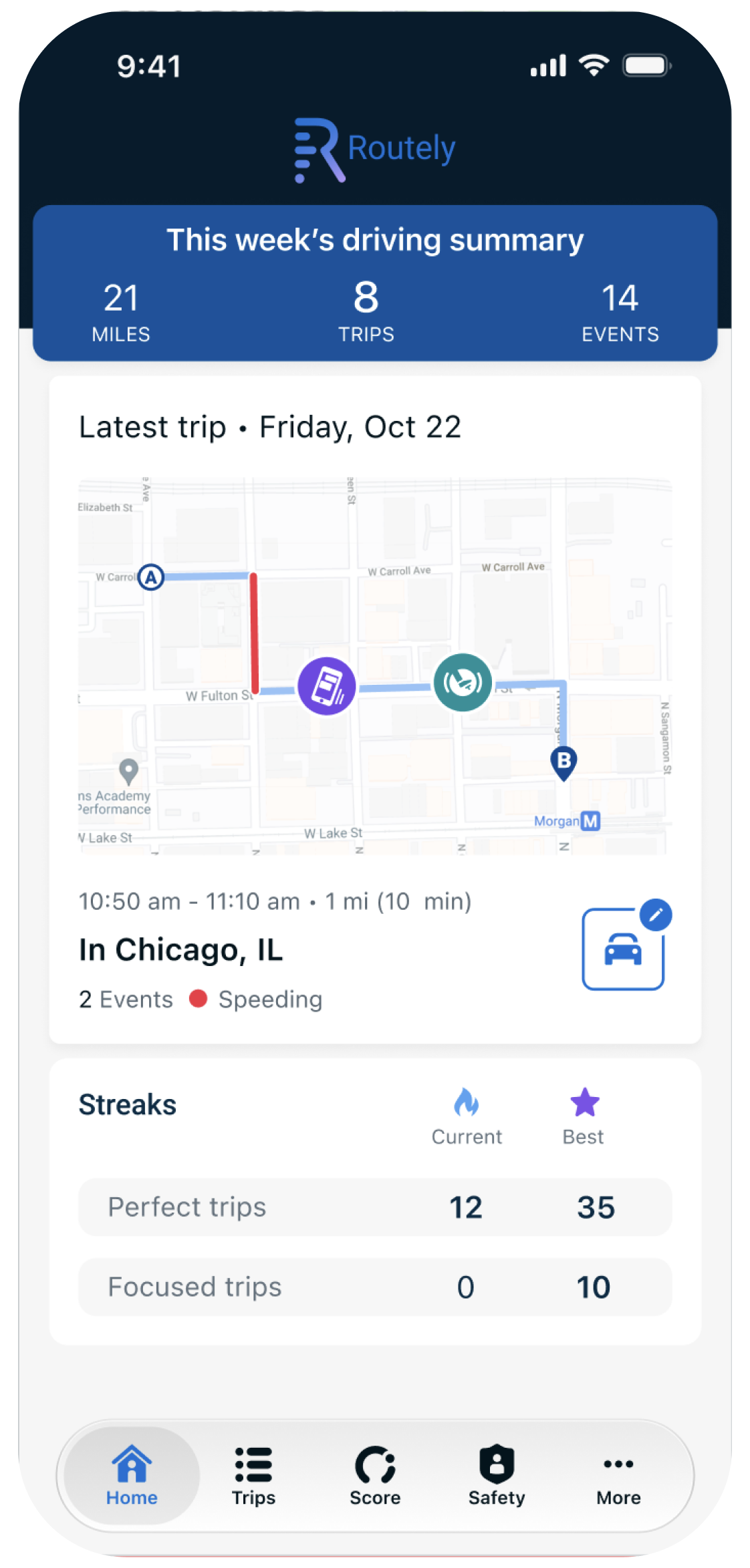
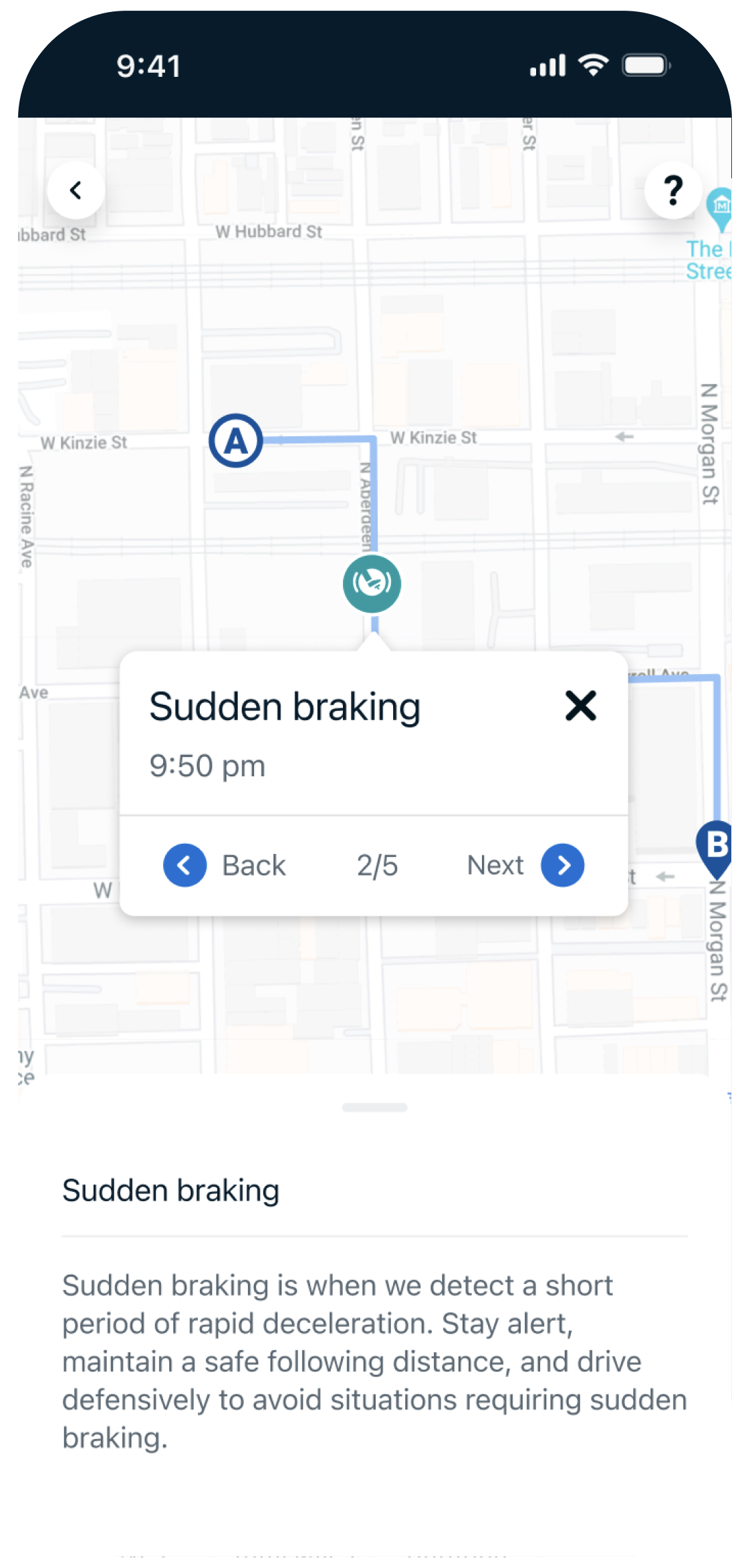
Routely is a consumer-facing telematics app that auto insurers deploy to their policyholders as a turnkey usage-based insurance program, for driving behavior tracking and scoring.
New age laws, including Texas's App Store Accountability Act, changed what the app has to ask for at onboarding. I designed the UX screens that launch Apple and Android's age-sharing APIs during onboarding. Arity does not collect this data — the app relies solely on the OS APIs, so the design had to explain the request clearly without asking users for anything extra.
I owned this piece end-to-end and worked with Compliance and Legal to make sure every word was correct.
Problem Statements 🤔
The User Problem
Driving data is already personal. Adding an age request at onboarding, without a clear reason, reads as one more piece of data being taken
The Business Problem
The age category has to come from the OS, not from Arity. If users decline or drop out at that screen, the flow fails — and there is no fallback data to collect instead.
The Copy Problem
Every screen had to satisfy Compliance and Legal and still sound like a person wrote it. No legal copy pasted into a product voice, and no friendly copy that overpromises what happens with the data.
Approaches
Let the OS handle the data
Design around the Apple and Android age-sharing APIs instead of building our own collection. Arity never receives or stores a birthdate from this flow
Explain before the system asks
Use our onboarding screens to say what is being shared, why, and what happens next — before the OS prompt appears, not after.
Treat copy as the design
Draft, review, and revise the exact wording with Compliance and Legal as part of the design process, not as a final check.
Design Solution: Age-Sharing Onboarding Screens
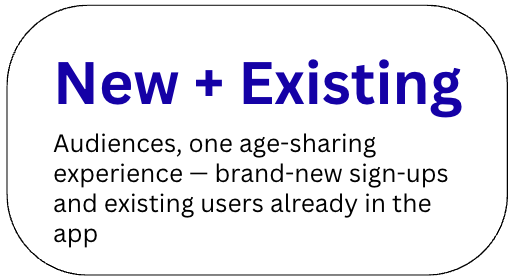
Screens added to onboarding on both iOS and Android, for new and existing users, in this order:
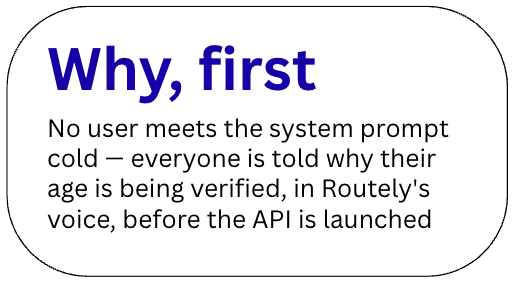
Inform first — in Routely's voice, why the user's age is being verified by the APIs, before any system prompt appears
Then verify — the screens launch the OS age-sharing API
Then handle the blocks — designed block messages for the two ways the flow can stop a user: technical reasons, and being underage
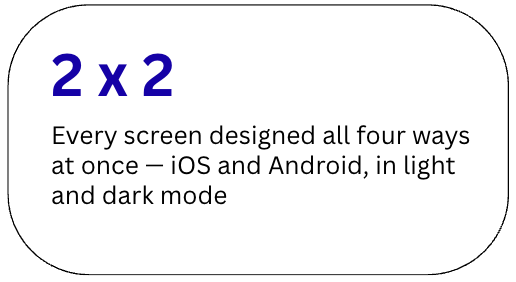
This approach keeps age data with the OS, gives users the reason before they are asked to act, and gives blocked users a reason, not just a stop — underage and technical blocks are written differently, because they are different problems. It uses one approved copy set, reviewed by Compliance and Legal, across both platforms, and holds up in light and dark mode, like the rest of the app.
The screens show how a legal requirement becomes a product moment: short, specific, and honest about what the app does not do.
Stakeholder Alignment
Because this flow sits between product, platform rules, and a new law, I worked directly with Compliance and Legal while designing — aligning on what the screens could and could not say, and approving final copy before build. This kept the shipped flow to one version of the truth: what Legal approved is what users read.
Additional Work: App Store Images
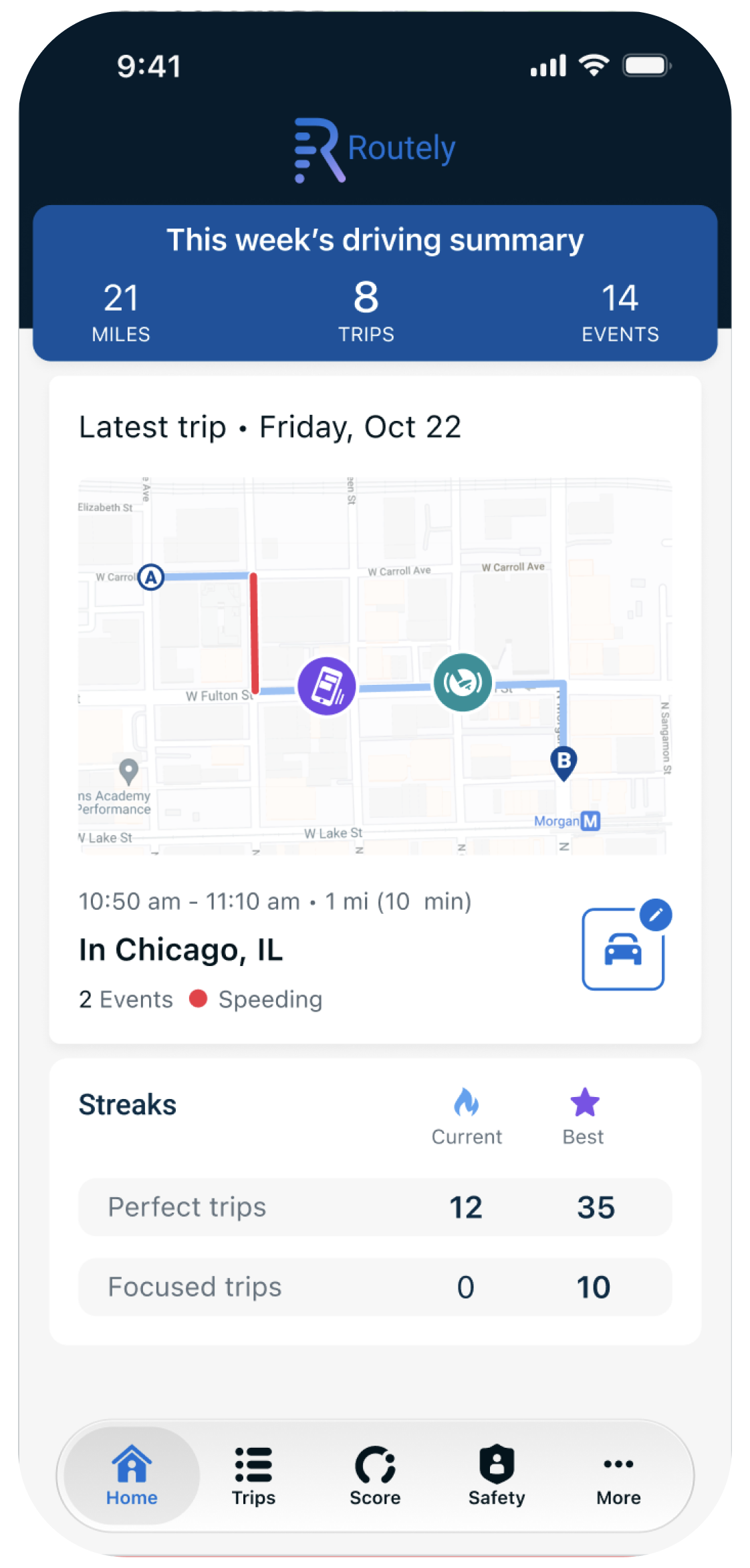
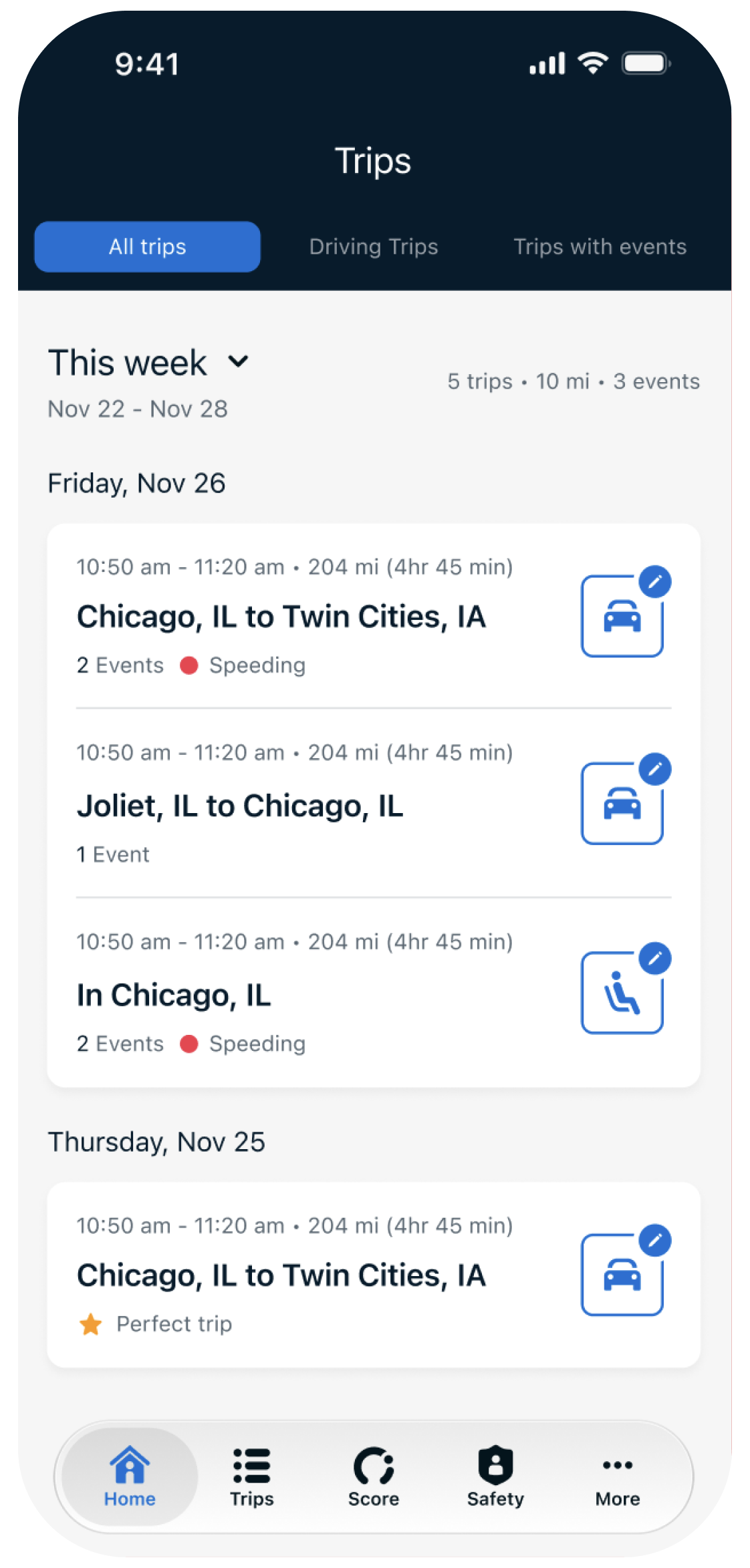
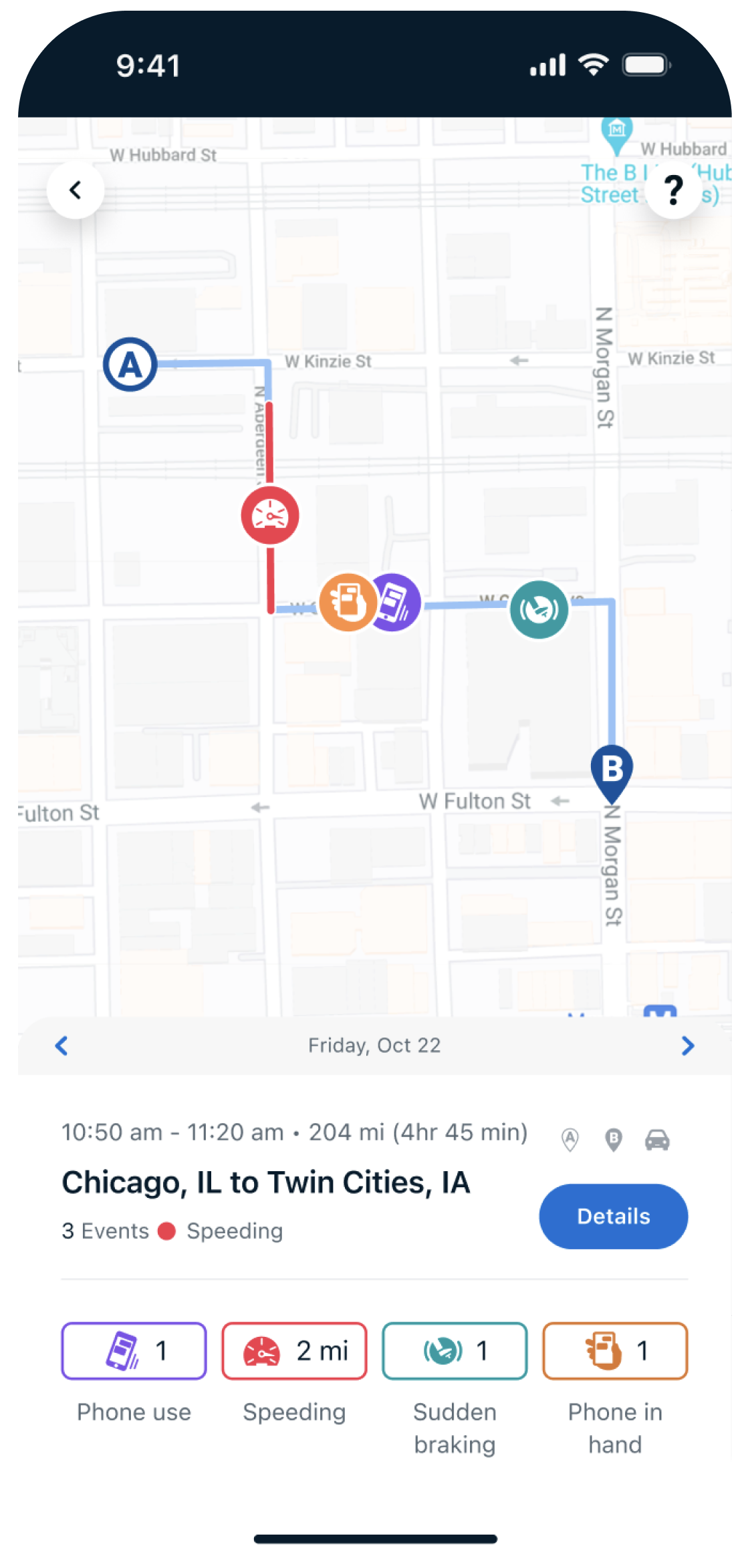
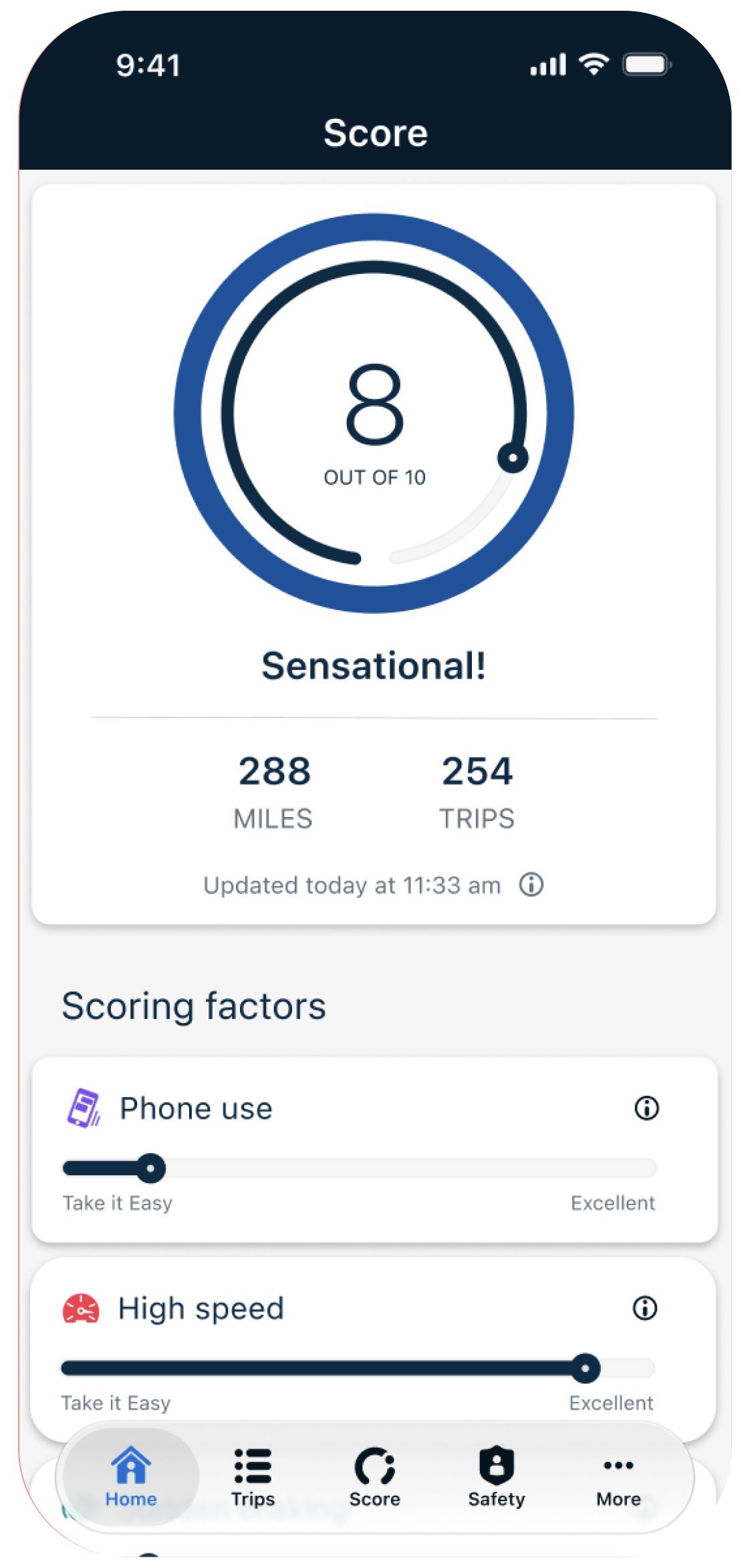
I also designed the updated App Store images for the new versions of Routely and the Preview App — the customer-facing demo app that lets prospects experience Arity products the way end users would, with live and preloaded demo data and guided product information.
Impact
Live in market on iOS and Android.
App Store ratings as of November 2026: 4.7 out of 5 on iOS, 3.9 out of 5 on Android.
The age-sharing flow shipped without Arity collecting age data of its own — the OS APIs carry that responsibility, and the onboarding screens carry the explanation.
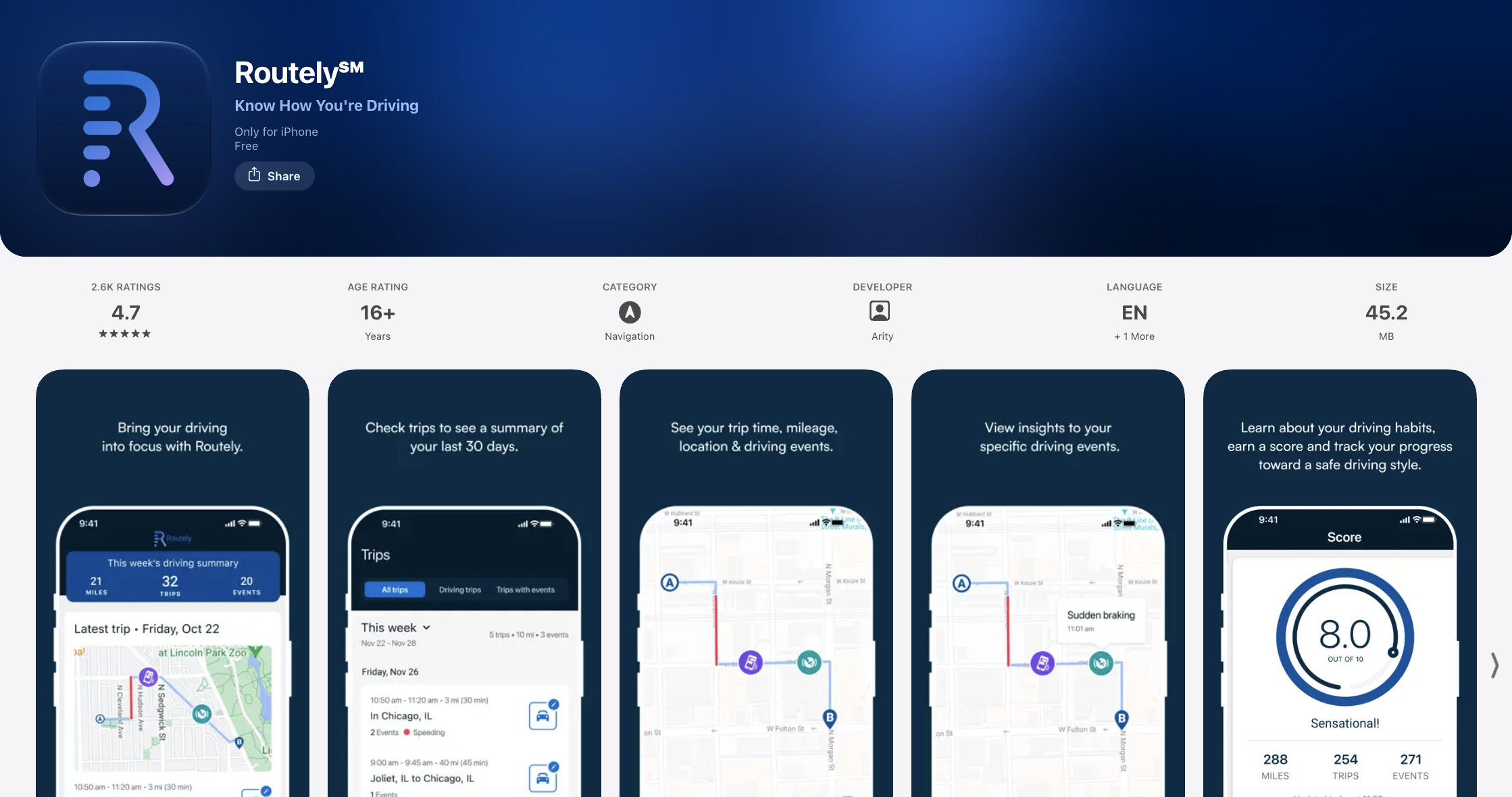
Image shows Routely in the Apple App Store.
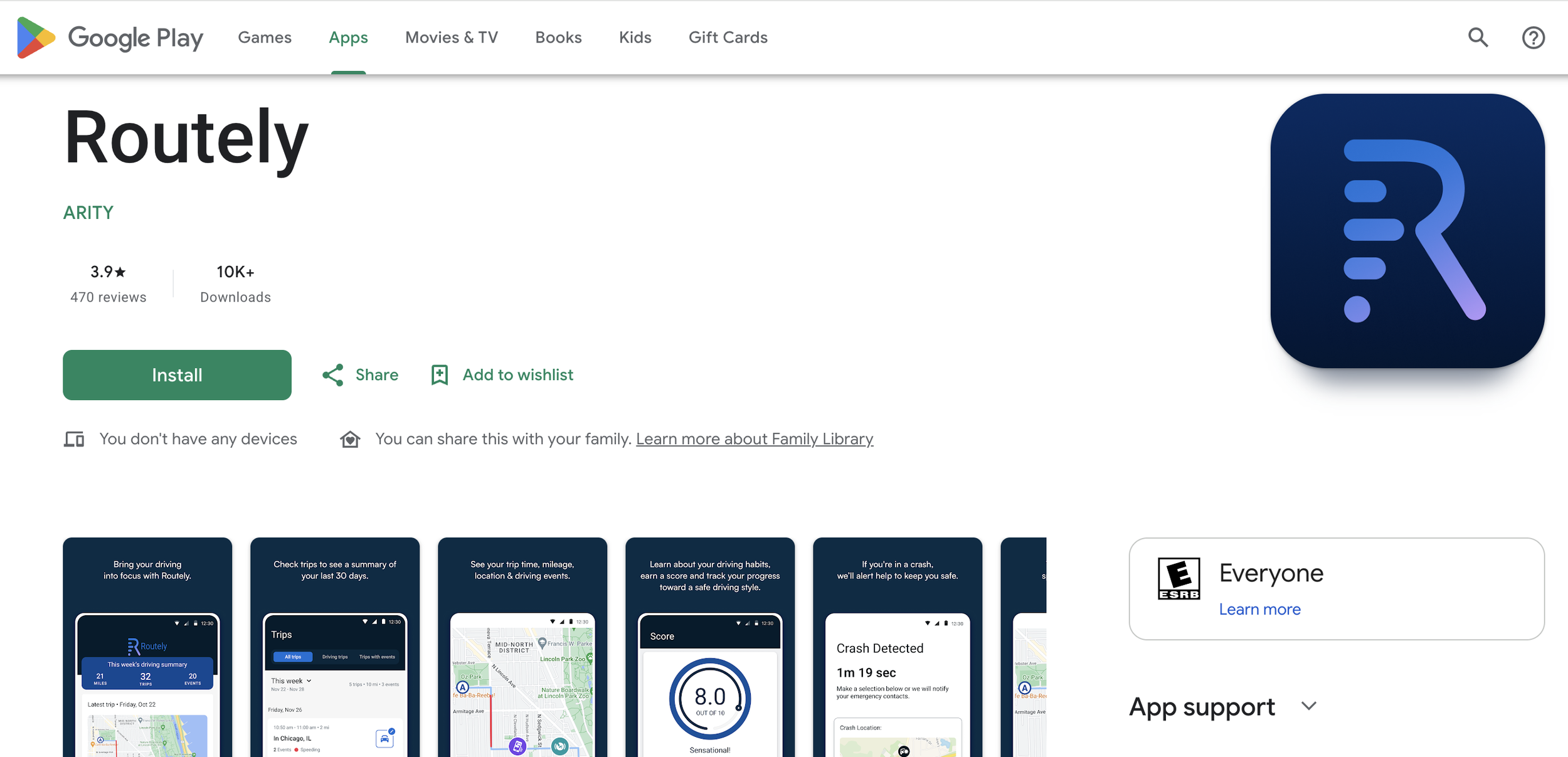
Image shows Routely in the Google Play Store.
Contact
Thank you for checking out my work. If you want to know more about my design process, or if you want to talk about a cool idea, don’t hesitate to reach out.
SOCIAL
lpatelcreations@gmail.com